Loudness Equalization in Windows 10
If for some reason you think that the sound in your headphones behaves strangely Enable the Loudness Equalization option
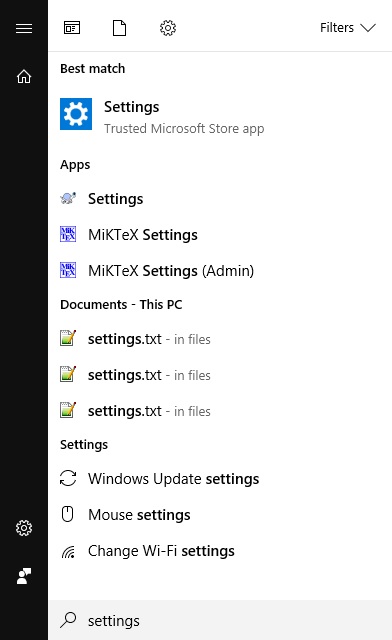
Press the Windows key and enter Settings
Go to section. Devices

Find your headphones and open them. Sound Settings

Move in. Device Properties

Choose. Loudness Equalization

Related Articles:
Article author: Andrei Olegovich