WSL
| Introduction | |
| Various versions | |
| Installation | |
| Mistakes. | |
| Installation from aka. ms | |
| Installation of Linux kernel for WSL2 | |
| Alias | |
| Check the version. | |
| Navigating directories from Windows | |
| Similar articles |
Introduction
The official name is Windows Subsystem for Linux. Or WSL for short.
WSL provides the ability to run native Linux utilities in
Windows
.
This became possible on August 2, 2016. When Microsoft and Canonical Collaborate
It is possible to use the original image of the OS
Ubuntu
14.04 for
directly running on top of the WSL multiple tools and utilities from that OS without any virtualization.
From May 6, 2019, WSL 2, which runs on Hyper, is available. V.
In this article, you will learn how to install WSL. On how to use teams
Bash
read the article
«Basics of Bash»
If you just need to run a few bash commands from Windows, the easiest option is not WSL. installation Git Bash
Available options
As of today, 2026Year available for WSL installation:
and others.

Installation
First thing you need.
Enable developer mode in Windows.
When it is engaged, you can go directly to activate WSL.
Installation from PowerShell
wsl --install -d Ubuntu
Installing: Ubuntu Ubuntu has been installed. Launching Ubuntu...
Then the window with Ubuntu
Installing, this may take a few minutes...
Please create a default UNIX user account. The username does not need to match your Windows username.
For more information visit: https://aka.ms/wslusers
Enter new UNIX username: andrei
New password:
Retype new password:
passwd: password updated successfully
Installation successful!
Windows Subsystem for Linux is now available in the Microsoft Store!
You can upgrade by running 'wsl.exe --update' or by visiting https://aka.ms/wslstorepage
Installing WSL from the Microsoft Store will give you the latest WSL updates, faster.
For more information please visit https://aka.ms/wslstoreinfo
To run a command as administrator (user "root"), use "sudo
Starting the installation from the control panel
Press the key. WIN write control and go into Control panel
(Control Panel)
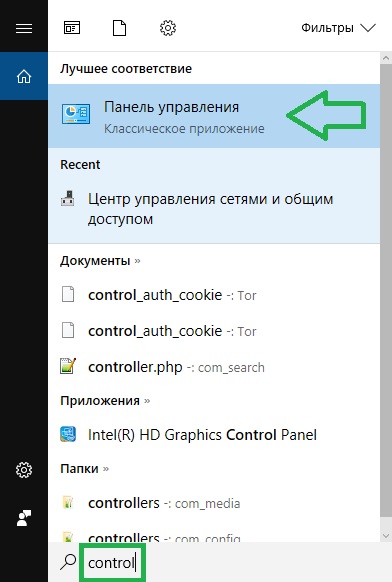
WSL installation
Programmes and Components
(Programs and Features)

WSL installation
Enabling or disabling Windows components
(Turn Windows features on or off)
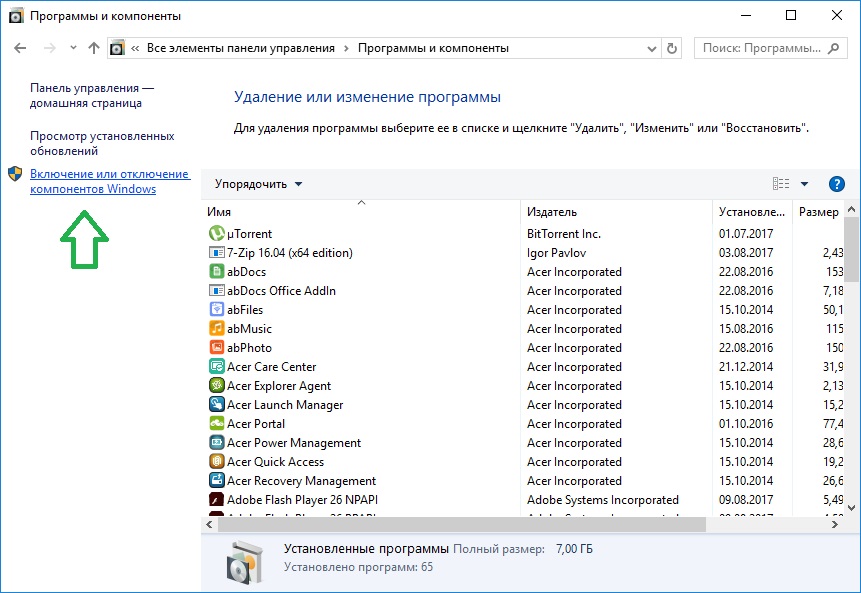
WSL installation
OK
WSL installation
Windows for Linux (beta version)
(Windows Subsystem for Linux (Beta))
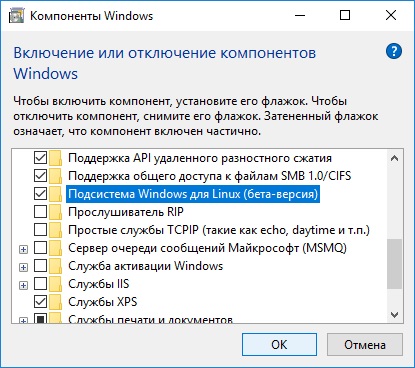
WSL installation
Wait.
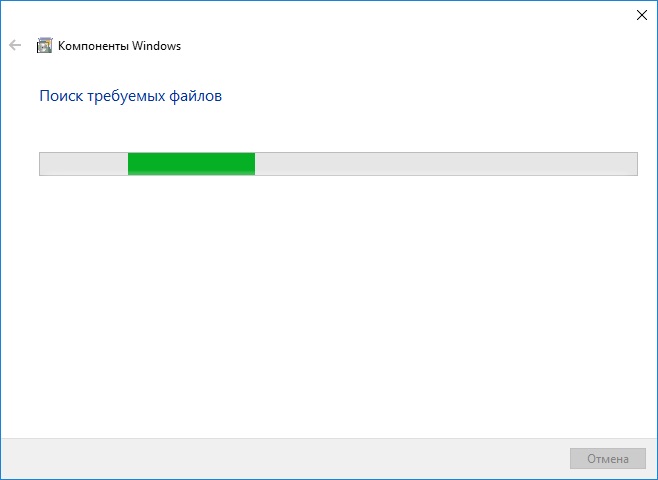
WSL installation
Restart now.
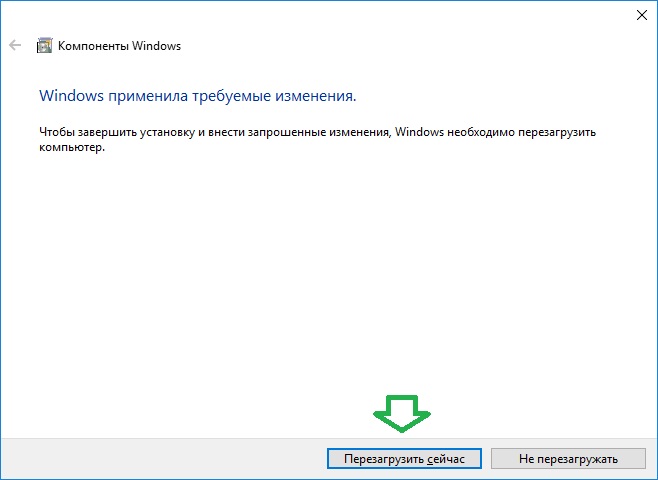
WSL installation
After restarting, press the key combination WIN + R inject cmd.
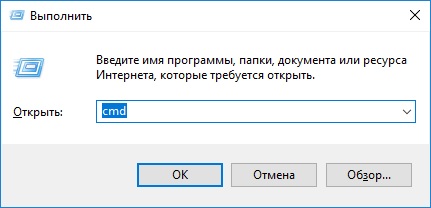
WSL launch
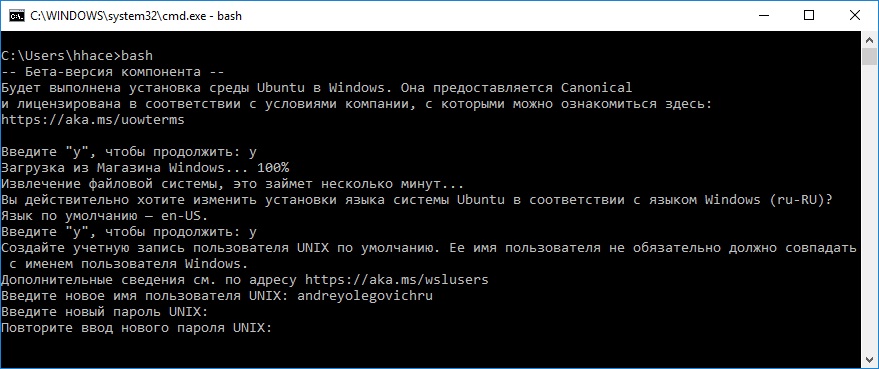
In the appeared command line we write bash
We're sluggish. y

WSL installation
Wait.
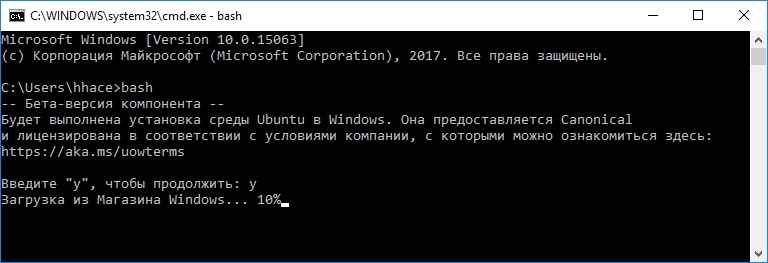
WSL installation
Introduce. y If you need Russian language
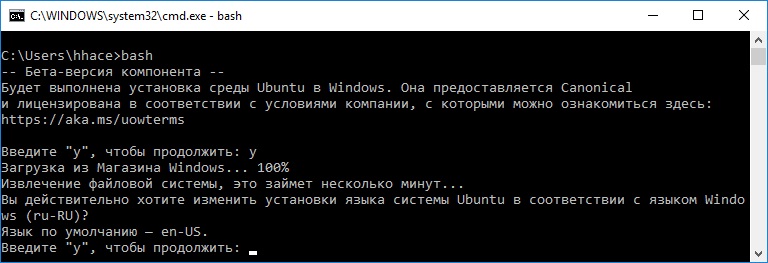
WSL installation
Introduce a new user name

WSL installation
Enter the password.
WSL installation
Enjoying the result: now to launch Bash You just have to put this in. command-line

WSL installation
Access the flash drive from Bash in Windows
ls /dev
Mistakes.
C:\Users\Andrei>bash
Windows Subsystem for Linux has no installed distributions. Distributions can be installed by visiting the Microsoft Store: https://aka.ms/wslstore C:\Users\Andrei>
Installation from aka. ms
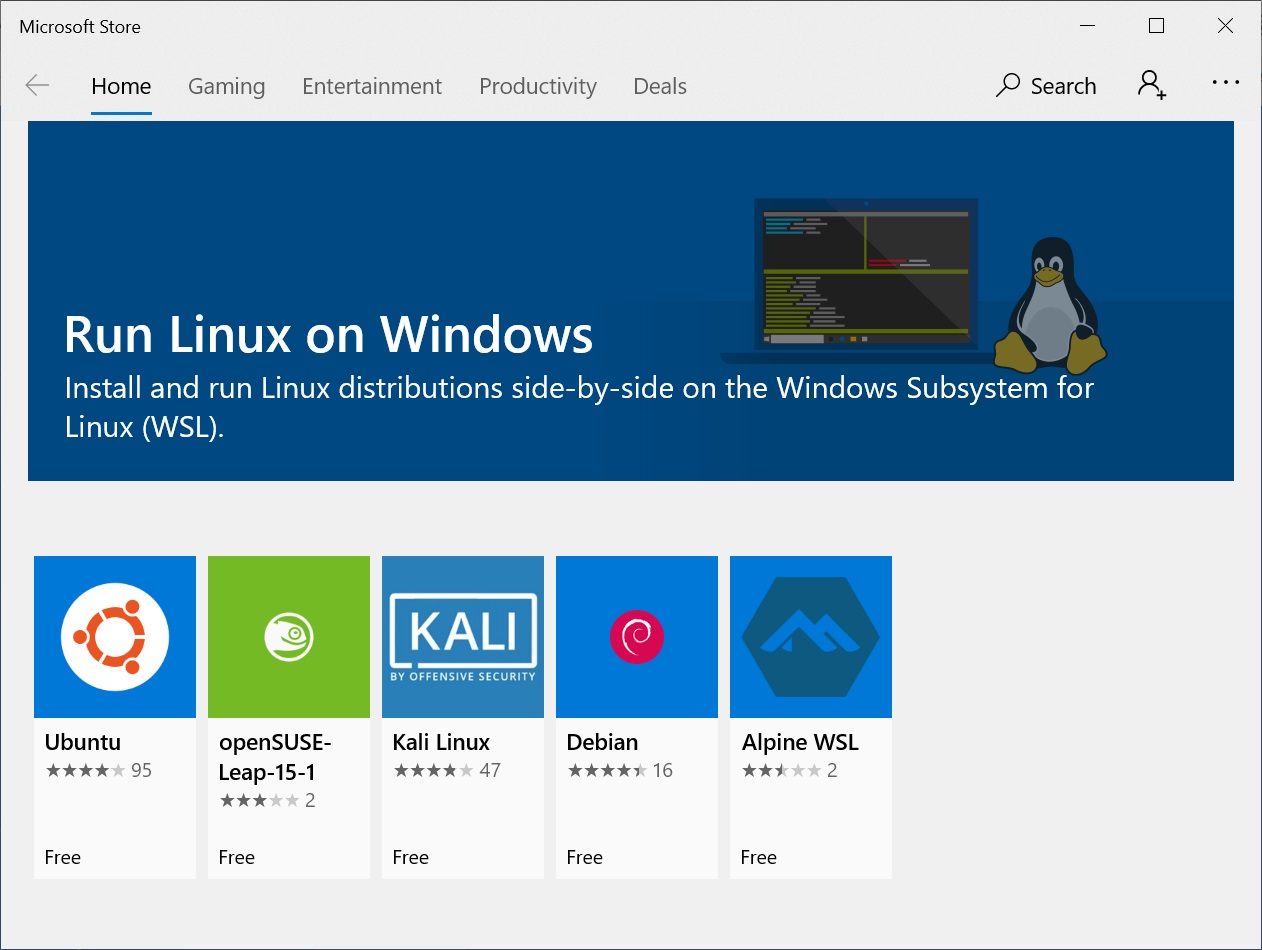
We need to go to the site. aka.ms/wslstore
WSL installation
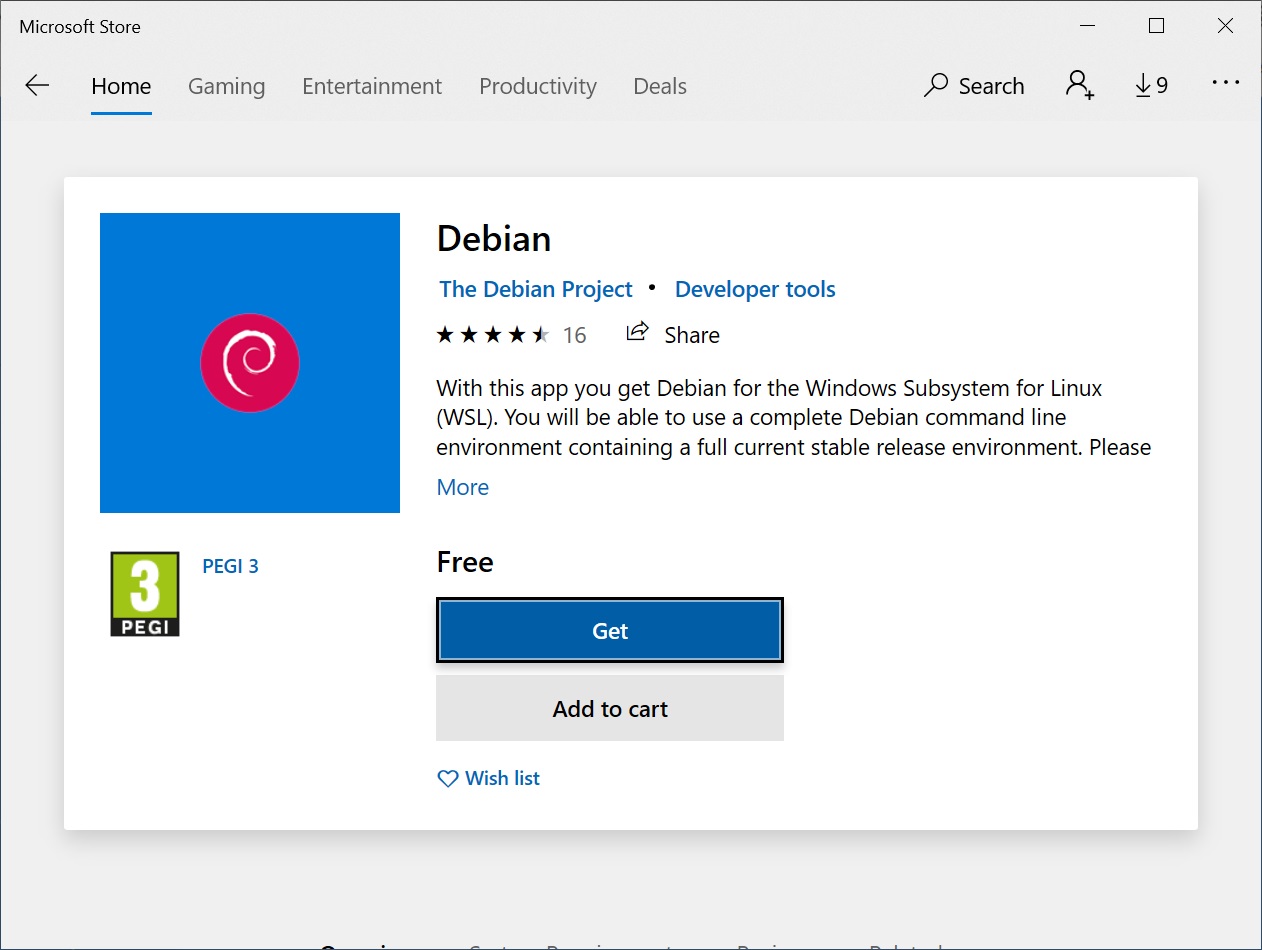
In the first versions of the box was Ubuntu, so now for a change choose another option.
WSL installation
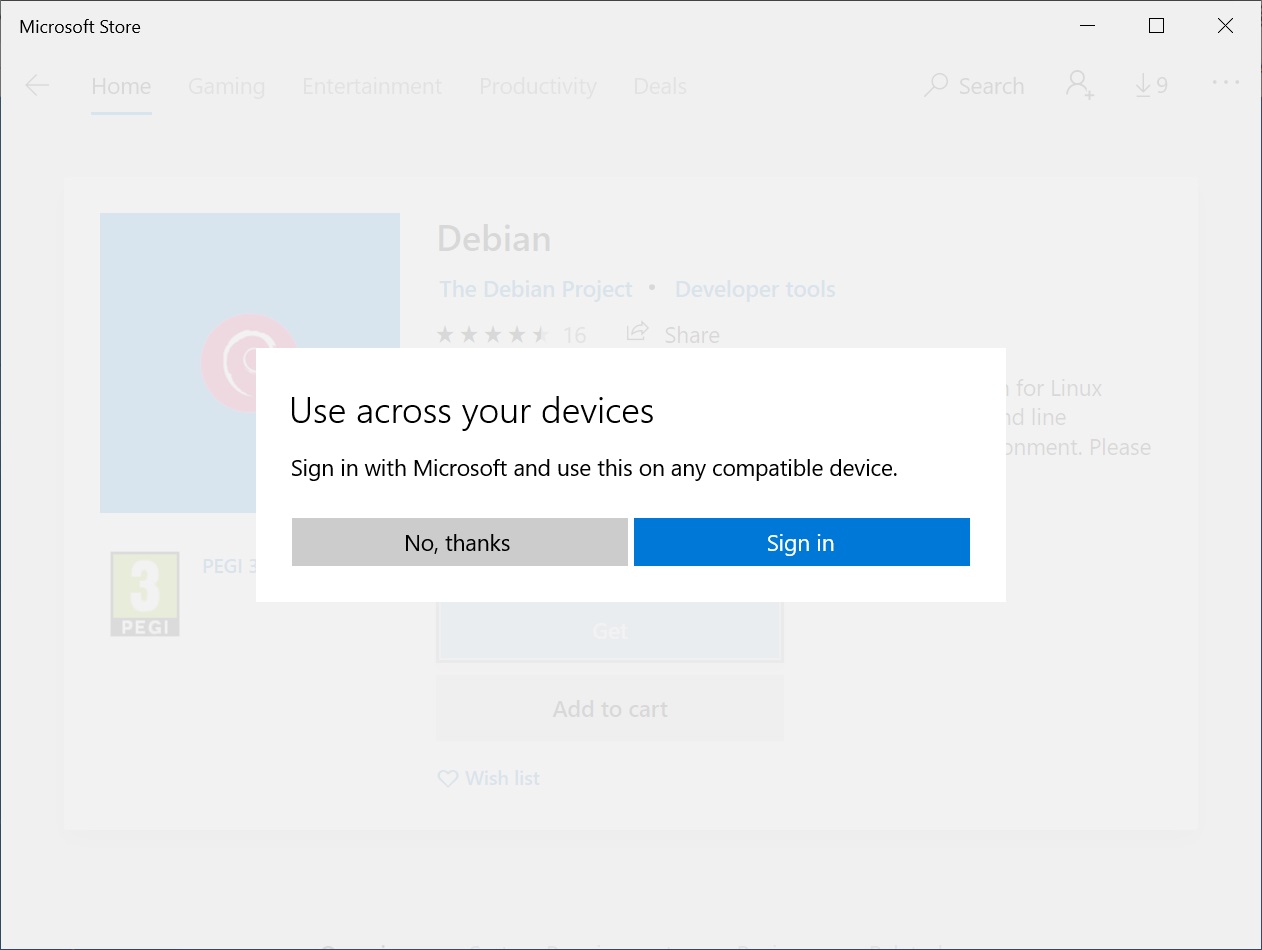
In the next step, we'll choose No, thanks
WSL installation
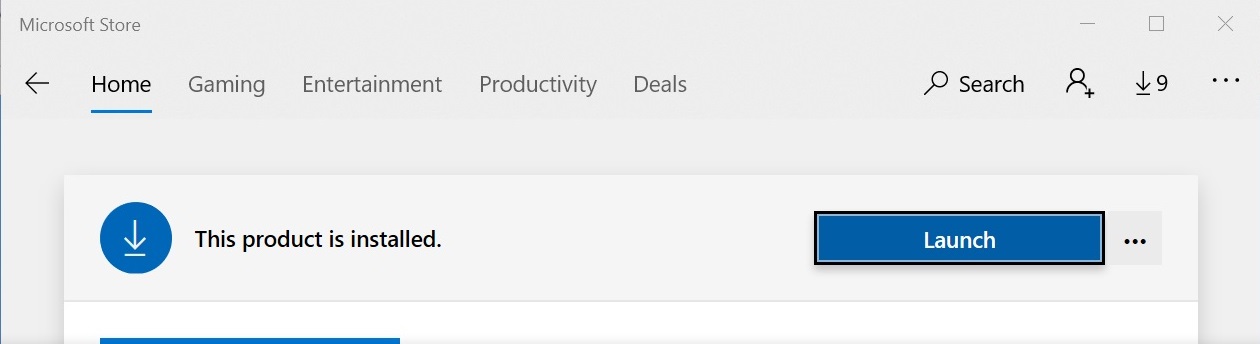
We need to wait for the loading.

WSL installation
WSL installation
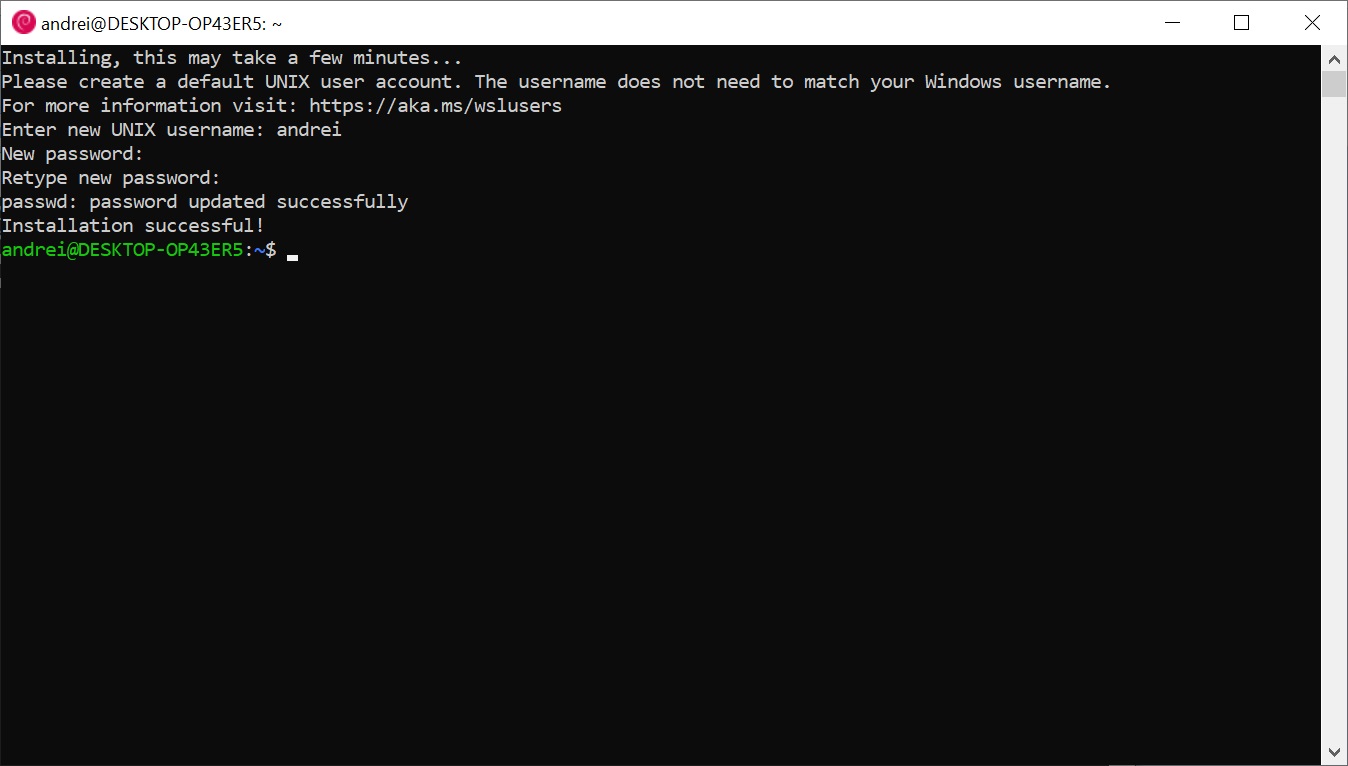
Enter the username

WSL installation
Enter your password and try not to forget it.
WSL installation
Installation of WSL2
You need to download WSL2 from the site. docs.microsoft.com/en-us/windows/wsl/wsl2-kernel

Installation of WSL2
Next

Installation of WSL2
Finish

Installation of WSL2
# This file was automatically generated by WSL. To stop automatic generation of this file, add the following entry to /etc/wsl.conf: # [network] # generateResolvConf = false nameserver 192.168.0.1 nameserver fec0:0:0:ffff::1 nameserver fec0:0:0:ffff::2
Alias
Different aliases can be set to speed up work.
From a WSL perspective, disk C: is inside /mnt
alias andrei="cd /mnt/c/Users/Andrei"
Check the version.
To check the WSL version open PowerShell and execute
wsl --list --verbose
NAME STATE VERSION * Debian Stopped 2 docker-desktop Stopped 2 docker-desktop-data Stopped 2 Ubuntu-22.04 Running 2
Navigating directories from Windows
If you enter the address bar of the Windows Explorer
\\wsl$
Directories with all installed subsystems will be visible as regular Windows folders.

Conductor view

Conductor view
Article author: Andrei Olegovich